Sensors Tutorial
This tutorial covers how to work with Stretch's various sensors including the ReSpeaker microphone array, IMU, bump sensors, and cliff sensors.
ReSpeaker Microphone Array
Stretch comes equipped with a ReSpeaker Mic Array v2.0 that provides audio input capabilities.
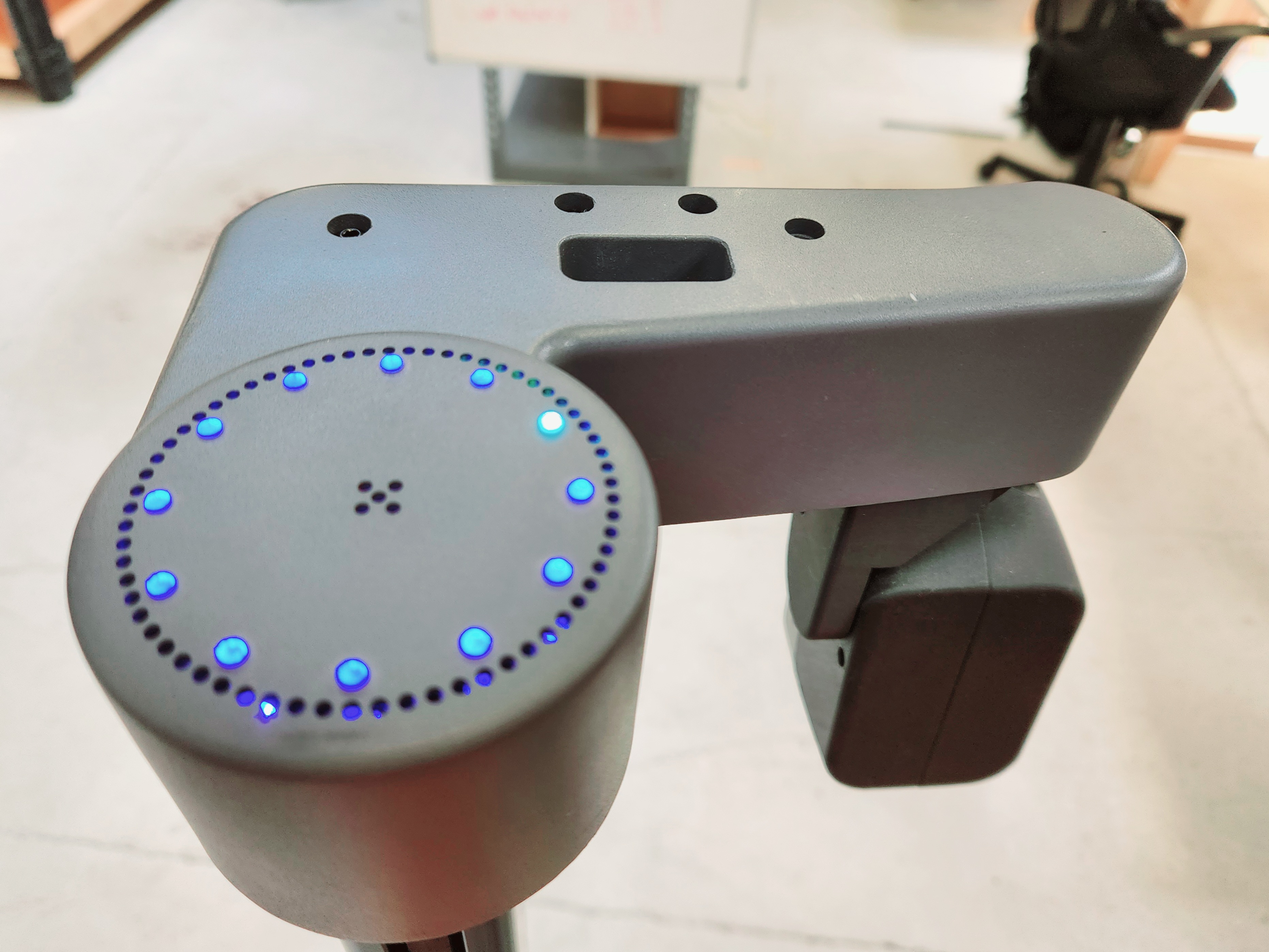
Basic ReSpeaker Usage
To start using the ReSpeaker microphone array, launch the ReSpeaker node:
ros2 launch respeaker_ros2 respeaker.launch.py
This will start publishing audio data and speech recognition results to various topics.
Available Topics
The ReSpeaker publishes to several topics:
/audio- Raw audio data/speech_to_text- Recognized speech text/sound_direction- Direction of detected sound/is_speeching- Boolean indicating if speech is detected
For detailed information about ReSpeaker topics, see the ReSpeaker Topics tutorial.
IMU Sensor
Stretch includes an IMU (Inertial Measurement Unit) that provides orientation and motion data.
Accessing IMU Data
The IMU data is published to the /stretch/imu topic as sensor_msgs/Imu messages.
ros2 topic echo /stretch/imu
Bump Sensors
Stretch has bump sensors that detect physical contact with obstacles.
Cliff Sensors
Cliff sensors help prevent Stretch from falling off edges or down stairs.
Sensors Examples
- Explore the Speech to Text tutorial for advanced audio processing
- Learn about Voice Teleop for voice-controlled robot operation
- Check out the ReSpeaker Mic Array tutorial for detailed microphone setup